What This Helps You Do
Add students so you can track who trains, who attends class, and who needs follow-up.
You do not need to add your whole academy at once. Start with the students who train most often.
Before You Start
Have the student details you normally use day to day:
- First and last name
- Contact details, if available
- Membership or student payment status, if you track it now
- Any note your front desk or instructors need
Step-by-Step Instructions
- Open MatAdmin.
- Go to the students area.
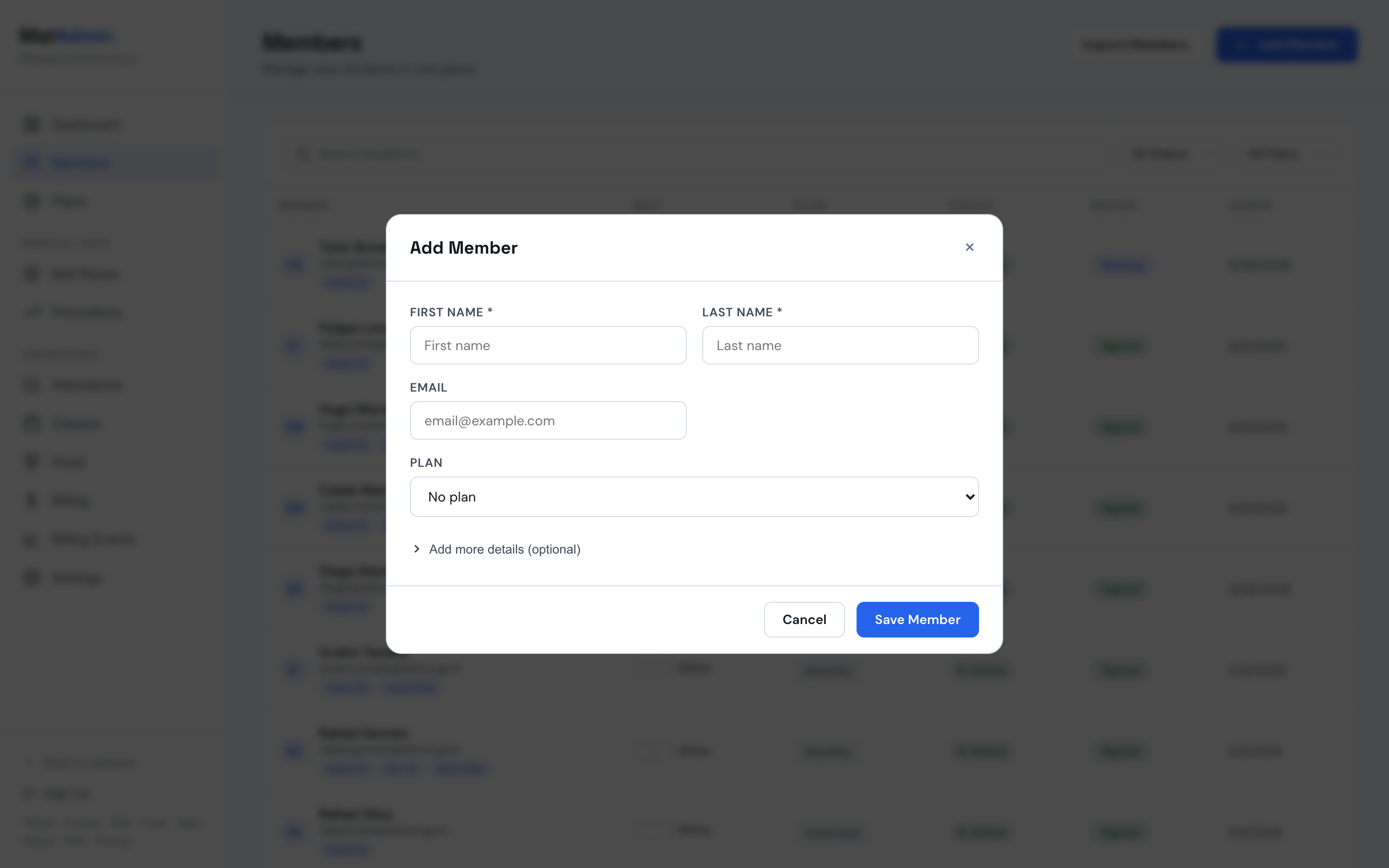
- Add a new student.
- Enter the student name.
- Add contact or membership details if you have them.
- Save the student.
- Search for the student to make sure the record is easy to find.
What Should Happen Next
The student should be available for class attendance and future membership updates.
If you are setting up quickly, add a small active group first, then come back for the full roster.
Common Mistakes
- Waiting until every field is perfect before adding anyone.
- Adding duplicate students because of nicknames or spelling differences.
- Putting membership notes in a place your team will not check during class.